Google Business Profile review monitoring
The tool should watch connected Google Business Profiles and bring new reviews into one workflow. A notification alone is not enough if the next step is still manual copy and paste.
Google review managementGoogle review management software checklist
Good Google review management software should cover the full operating loop: monitor new Google reviews, draft specific replies, route sensitive responses for approval, request honest reviews, display review proof, and turn customer feedback into themes your team can act on.
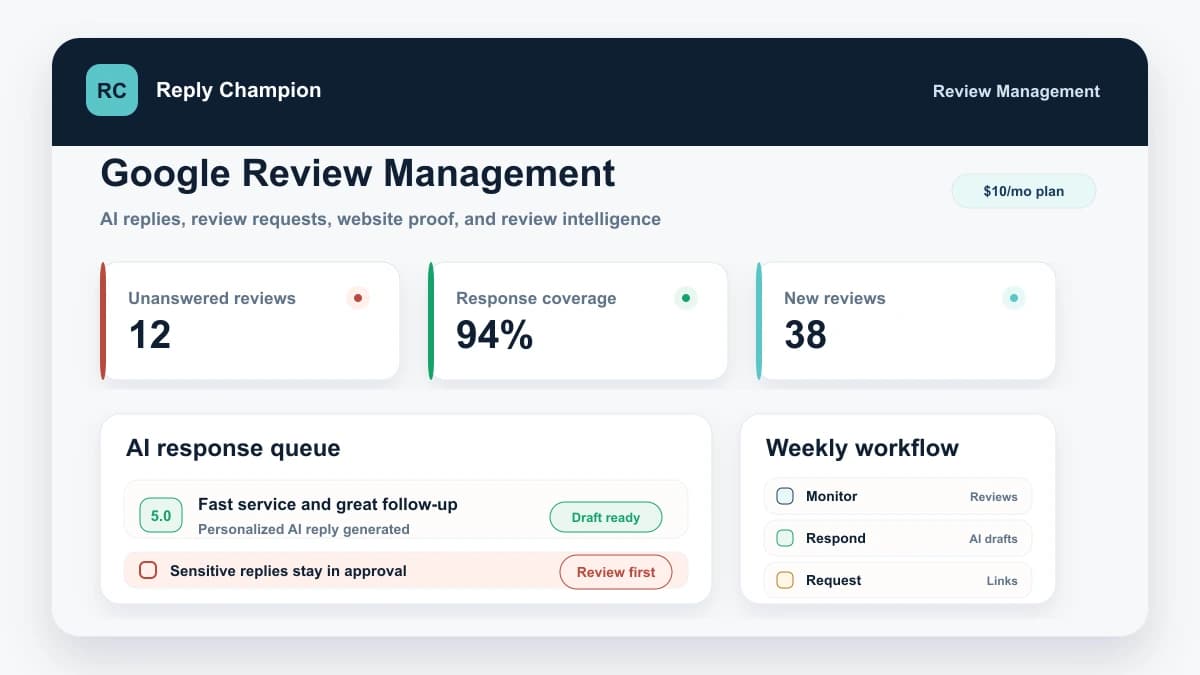
If a tool only alerts you to reviews, it is a monitor. If it only writes text, it is a writing assistant. Google review management software should connect the entire workflow from new review to reply, request, proof, and learning. For many small businesses, that focused workflow is more useful than a broad reputation suite packed with channels they do not manage.
The checklist
The tool should watch connected Google Business Profiles and bring new reviews into one workflow. A notification alone is not enough if the next step is still manual copy and paste.
Google review managementA useful AI reply references the actual review, star rating, business context, and industry. It should not create the same generic thank-you under every review.
AI review responderNegative, detailed, healthcare, legal, refund, staff, safety, and privacy-sensitive reviews should stay in human approval before anything public is posted.
Negative review workflowThe request workflow should ask real customers for honest reviews without incentives, rating pressure, or filtering unhappy customers away from the public Google review path.
Review request campaignsReview generation gets easier when customers can use a direct review link or QR code after a real customer moment, such as a completed job, appointment, move-in, checkout, or resolved support issue.
Google review link guideA good Google-first tool should help you display selected reviews on your website without screenshot workflows or stale testimonial blocks.
Google reviews widgetReview management should show more than stars. Look for themes, sentiment, location differences, response coverage, and recurring operational feedback.
Customer feedback analysisFor franchises and multi-location teams, the software should show which locations are falling behind, which themes repeat, and where approval rules need to differ.
Multi-location workflowBuying filter
The category gets muddy because many products solve one slice of the problem. Use these filters before paying for a tool that leaves the same manual work on your desk.
Alerts tell you something happened. They do not draft replies, route approvals, request new reviews, or help managers understand recurring themes.
General AI can help with one reply at a time, but it does not connect to your Google Business Profile, remember business context, track response coverage, or post approved replies.
If the workflow only sends happy customers to Google, it creates policy and trust risk. The safer pattern is a public review path plus private support, not selective solicitation.
Listings, surveys, social listening, webchat, SMS, payments, and agency reporting can be valuable. They are expensive clutter if your real job is Google reviews, replies, requests, and proof.
Fit by operating model
The right feature set depends on whether you are handling one storefront, a sensitive service business, a review backlog, or a multi-location operation.
Policy-safe review generation
Google allows businesses to ask for honest reviews and share review links or QR codes. Google also prohibits incentives for reviews and policies that discourage negative reviews or selectively solicit only positive ones.
That is why review request software should make the public Google review path easy while still giving customers a private way to contact your team. The private path is for service recovery, not for hiding the Google option from unhappy customers.
Product proof
The strongest review management software is not a feature inventory. It changes the operating rhythm of a business: faster replies, better coverage, more consistent requests, and clearer feedback.
Delayed, defensive replies became calmer responses often handled within the hour.
Read case studyA Florida event center cleared 2,000 unanswered reviews and saved 133 hours of drafting. The team now has an easy, manageable workflow for professional customer responses.
Read case studyMonthly review campaigns, AI replies, and review themes helped surface office-hour friction.
Read case studyAn in-store QR path and configured reply workflow keep every new review moving toward a response.
Read case studySource notes
Google explains that businesses can read and reply to reviews from their Business Profile, that replies are public, and that replies show customers their feedback is valued.
Google says reviews show in Maps and Search, businesses can remind customers to leave reviews, and incentives for reviews, edits, or removals are prohibited.
Google explains how businesses can create and share a review link or QR code and lists common places to include the request.
Google policy prohibits fake engagement, incentives, selective positive solicitation, discouraging negative reviews, and pressure around review content.
Reply Champion is built for teams that want Google review replies, review request campaigns, review links, website proof, approval controls, and Review Intelligence without buying a broad enterprise suite.